Google Design Ethos • 100% On-Device AI • Zero Cloud Leak

Code is a design material.
Privacy is the foundation.

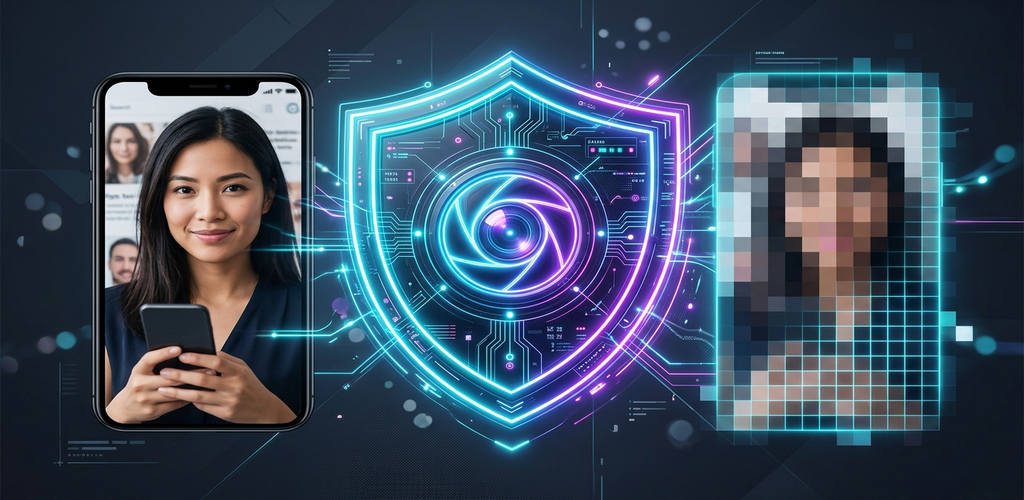
Privacy Blur applies Google Material 3 Expressive motion and edge neural networks to protect your sensitive documents, IDs, and faces. Your photos never leave your device.

0 bytes uploaded
Lossless PDF export
M3 Expressive springs
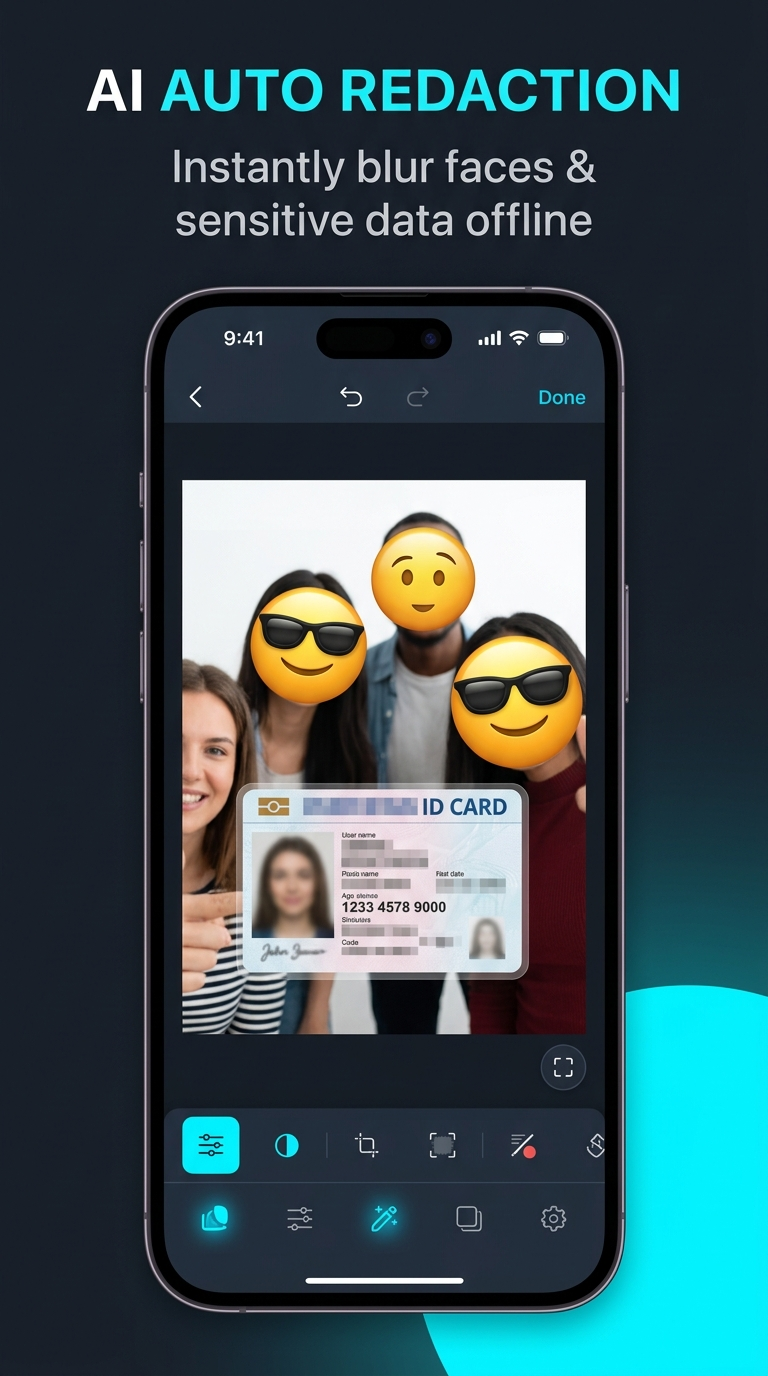
Google ML Kit • Live Edge Inference
Privacy Blur Android UI demonstrating intelligent face and document detection
🛡️
Air-Gapped Operation No internet permission required

Touch the Material: Live Redaction Sandbox

Experience real-time on-device redaction in your browser. Drag the split slider, switch between precision shaders, and toggle sensitive target layers.

Censor Shaders:
Target Layers:
Sample document and portrait before privacy sanitization
Sample document with active redaction patches
FACE MESH 99.4%
CARD NUMBER PII
PASSPORT MRZ
GPS EXIF LOC
❮ ❯

Why UX Fundamentals Matter More Than Ever

A perspective on the paradigm shift from Config, embodied cognition, and why thoughtful design strategy must anchor raw AI speed.

KJ

Katie Jacquez

Senior UX Designer, Google Store • Config Reflections

“Code is a design material. When the physical act of building is no longer the bottleneck, the blueprint itself becomes infinitely more valuable.”

The Danger of Perfecting Too Early

At Config (Figma’s annual design conference), the floor buzzed with shiny new featuresFigma Motion, shaders, and generative plugins. But the real headline was a profound paradigm shift: code is no longer just the finish line owned solely by engineering. Code is now an active, dynamic material for design.

Yet speed without direction will lead you down a dead end. When AI generates high-fidelity screens in seconds, we risk mistaking visual completeness for structural integrity. An interactive mockup might look flawless on the surface, but harbor broken architecture or miss the user's primary security requirement.

Stripping Away Polished UI

To scale Privacy Blur, we stepped away from superficial polish to map core information architecture: on-device neural pipelines, zero-leak memory buffers, and deterministic redaction integrity.

Embodied Cognition & Tactile Craft

As textile master Anni Albers famously wrote: “We must come down to earth again, from the clouds of our theories and speculations, and touch the material from which things are made… we learn through our hands.”

In software, that material is code and physics. When building Privacy Blur, we implemented Google's new Material 3 Expressive motion physics system. Instead of static easing curves, interactions behave like physical objects governed by damping, stiffness, and mass.

Generative AI gives you the bricks at lightning speed. But it still doesn't know why you are building the house. Thoughtwork, human empathy, and strict privacy principles are what turn raw code into a trustworthy product.

A Motion Language Designed for Expression

Material 3 Expressive replaces rigid durations with natural spring dynamics. Grab the interactive card below or adjust damping parameters to feel the organic recoil.

Stiffness (k) 300
Damping Ratio (c) 20
Mass (m) 1.0
M3 Motion Scheme Presets:
⚡

M3 Spring Token

Drag & release anywhere

Δ: 0.0px | Vel: 0px/s | Damping: 20

Engineered for Sovereign Security

Privacy is not a feature or an afterthought. It is the fundamental architecture governing every line of code in Privacy Blur.

🤖

On-Device Neural Inference

All detection modelsGoogle ML Kit Face Detection, High-Density OCR, and Barcode Scanningrun locally on your phone’s NPU/CPU. Images never touch a network socket.

⚡

M3 Expressive Motion Physics

Every button press, sheet transition, and zoom gesture is tuned with custom spring tokens. The UI feels alive, responsive, and grounded in physical motion.

📄

Irreversible PDF Export

Export multi-page redacted documents directly to PDF. Digital layers are rasterized so censored content cannot be recovered by inspecting file objects or vector masks.

📍

Binary EXIF & GPS Scrubber

Removes invisible embedded tracking data: camera serial numbers, GPS lat/long coordinates, timestamps, and thumbnail previews that leak location history.

Security Attribute Standard Cloud Apps Privacy Blur (On-Device)
Image Upload Destination Remote Cloud / Third-Party Servers None (100% Stays in Local RAM)
Internet Permission Required Mandatory for all AI features Not required (Runs fully offline)
Subpoena & Data Breach Exposure High (Stored on company databases) Zero (We hold zero user data)
Redaction Permanence Often reversible SVG or CSS overlays Irreversible pixel destruction
Latency / Processing Speed 1.5s – 4.0s (Network upload/download) 10ms – 30ms (Local hardware engine)

Crafted for Daily Protection

Inspect every screen of the production Android application, from automatic face detection to multi-document batch sanitization.

Common Questions & Answers

Clear, transparent details about our security models, offline processing, and file exports.

No. Privacy Blur has no backend server or cloud infrastructure. Detection and redaction run 100% on your device using Google ML Kit’s offline models. Your photos never leave your device's memory.
No. When you save or export, the pixels under the redaction mask are permanently overwritten with mathematical pixelation or opaque solid color matrices. The original pixel data is destroyed prior to file writing.
Privacy Blur automatically detects human faces, anatomical features, passport Machine Readable Zones (MRZ), driver's license numbers, credit card sequences, and sensitive PII text via high-density on-device OCR.
Yes. The core redaction, face blurring, and metadata removal features are completely free. You can download the production app directly from the Google Play Store.

Take back control of your visual privacy.

Download Privacy Blur today and experience tactile, on-device redaction crafted with Google Design principles.

Available on Google Play